Distribution / Layout Commands
3 minutes read
Just because I'm getting these confused in my head, I've created a quick guide to distribution/layout commands.
flow
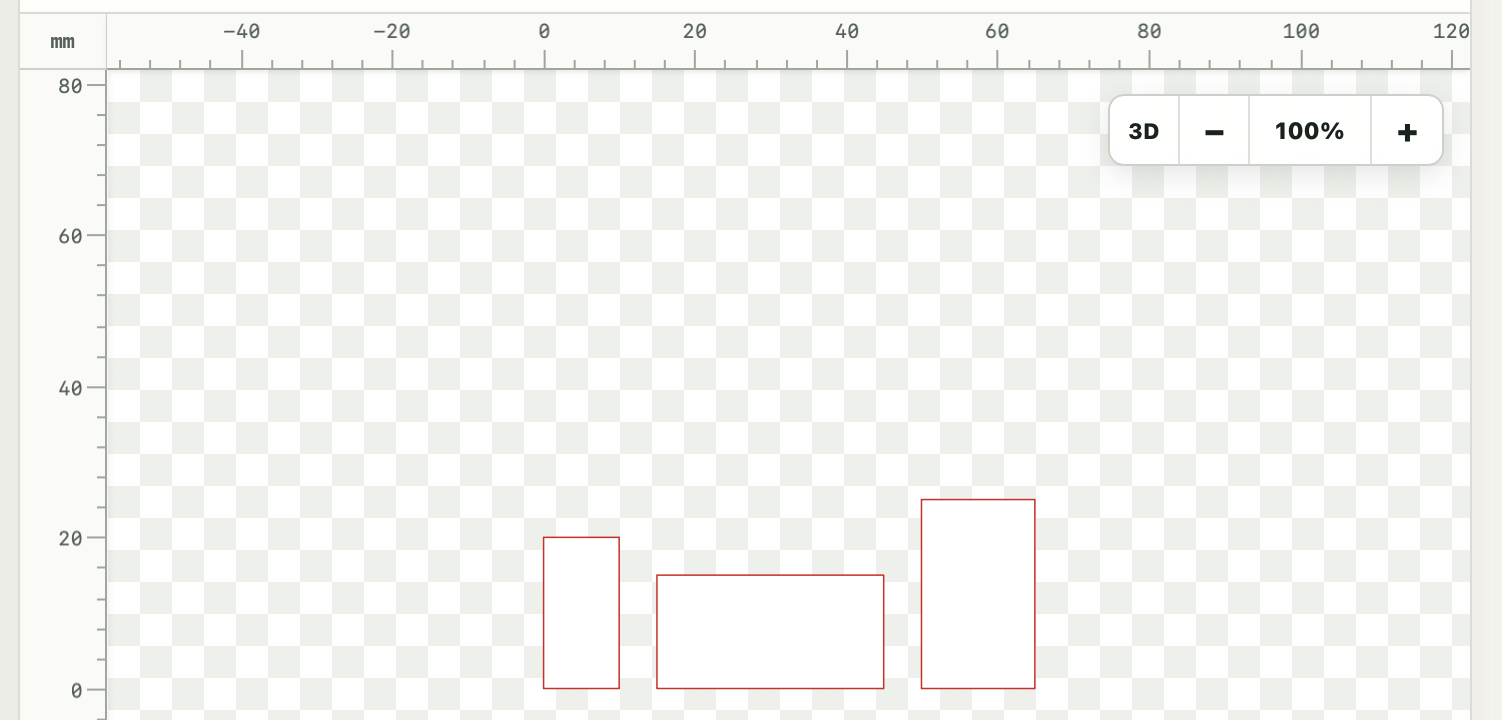
Places parts or shapes one after another, measuring each item's size automatically. Use --gap for fixed spacing and --vertical to arrange items upward instead of horizontally.
units mm

flow --gap 5:
    rect 10 20
    rect 30 15
    rect 15 25
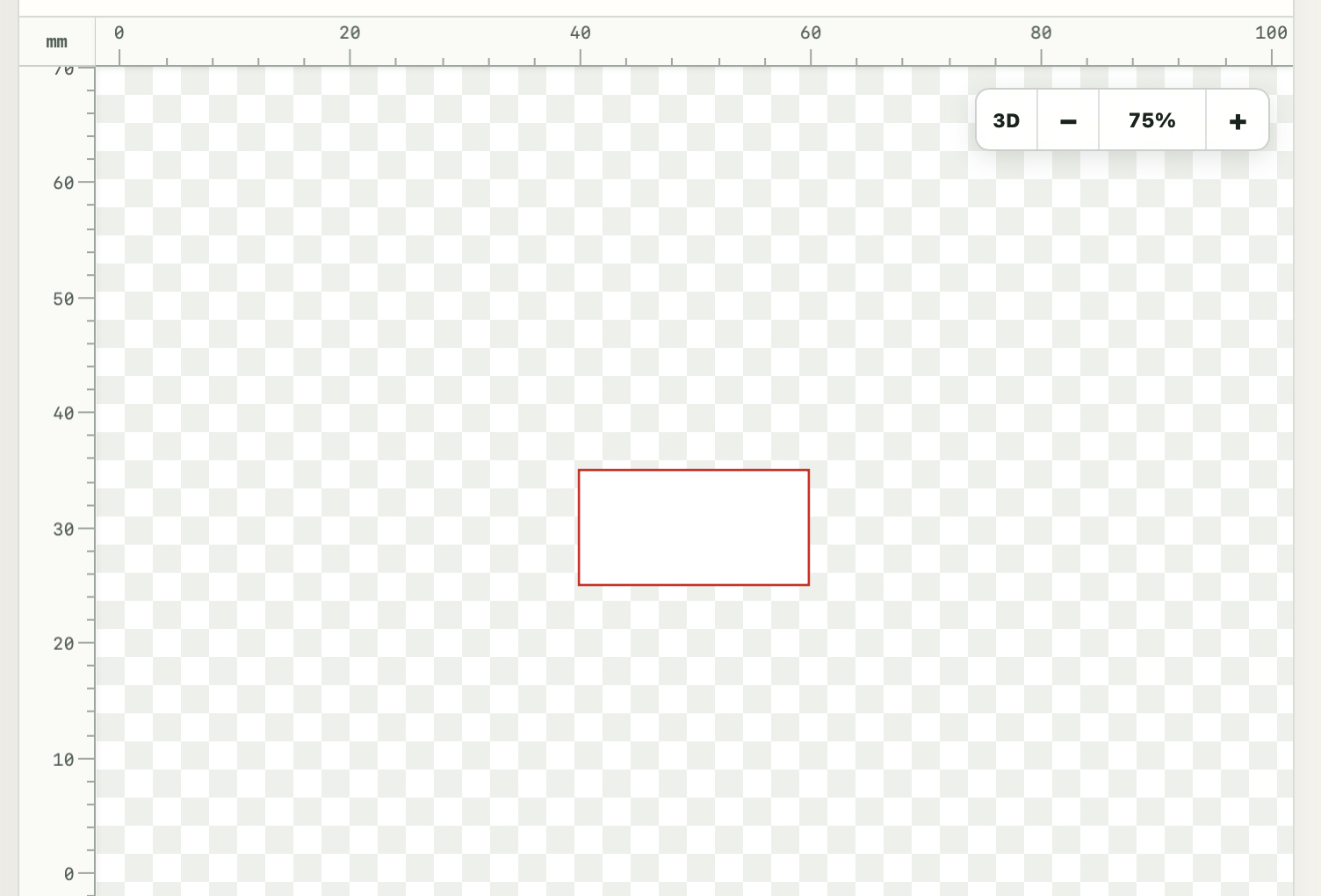
Note that 0,0 is in the lower left corner.
distribute
Places each child once across a specified span, calculating equal gaps between their edges. Children can have different sizes; use --margin to leave space at both ends.
units mm

distribute --span 100 --margin 10:
    rect 10 20
    rect 30 15
    rect 15 25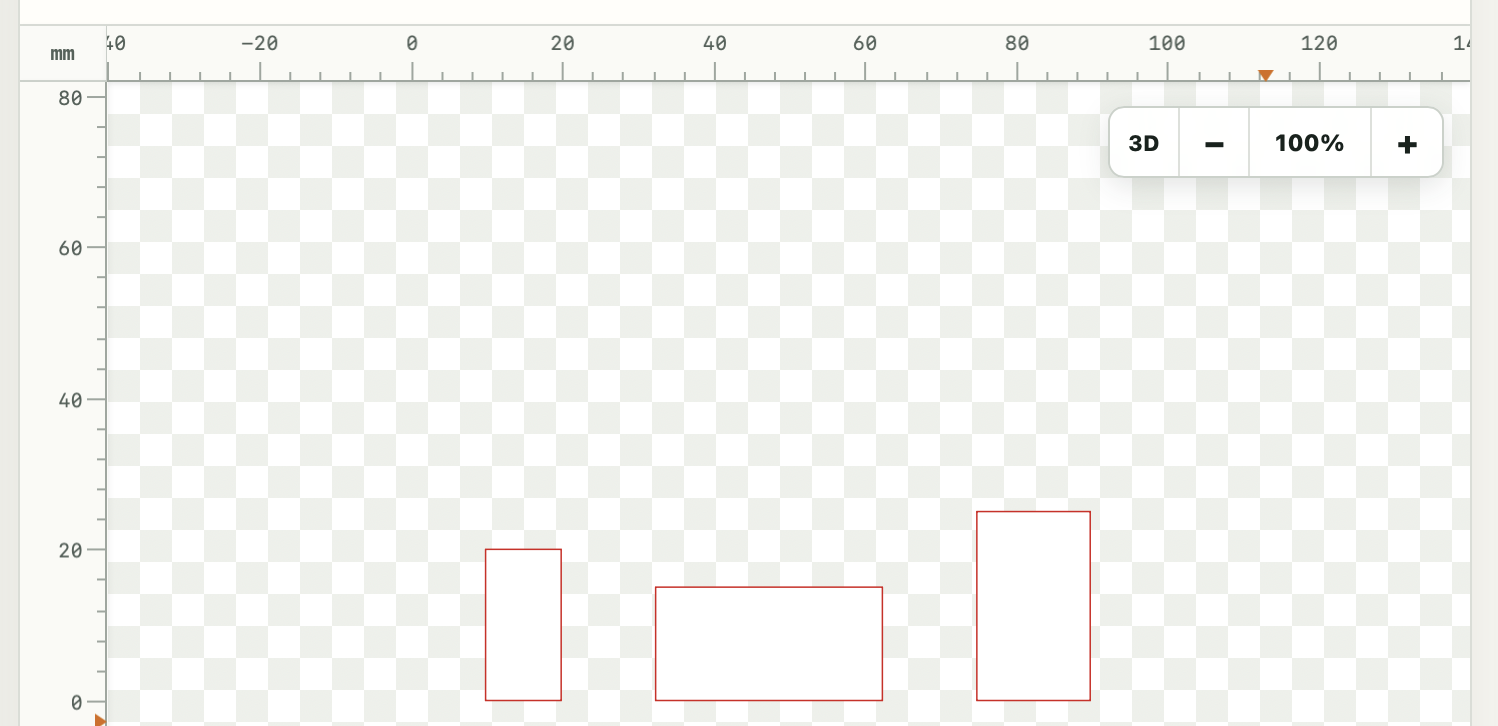
layout
Repeats the whole body a specified number of times across a span, using equal gaps by default. A body containing several shapes is measured and repeated as one item.
units mm

layout --span 100 --count 3 --margin 10:
    rect 20 30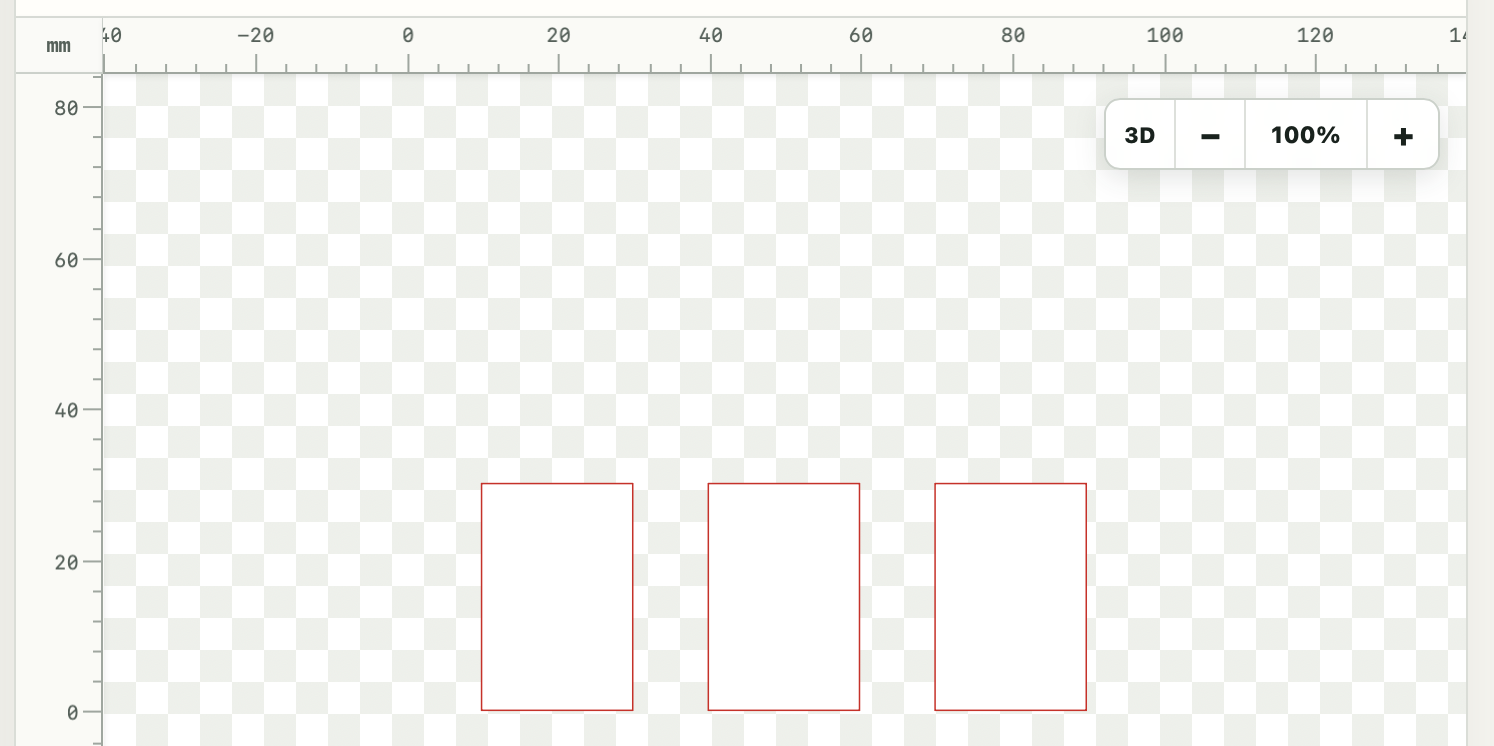
walk
Applies a cursor step after each drawing command, placed part, or group in its body. Use --move for a fixed offset between items and --turn to change direction after each item.
units mm

part tile:
    rect 20 15

walk --move 30 5:
    place tile
    place tile
    place tile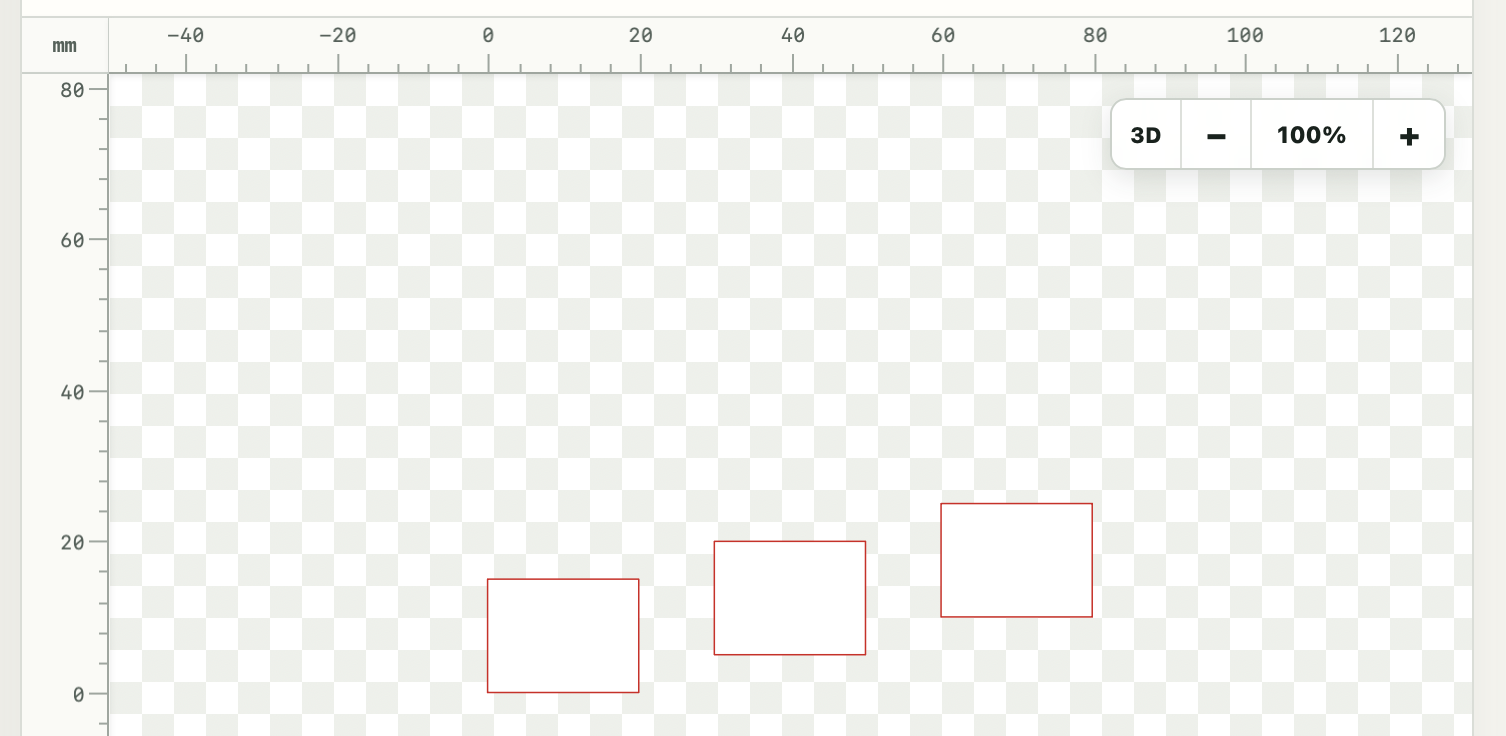
center
Centers the whole body within a width, height, or both, starting at the current cursor. It preserves the relative positions and sizes of the shapes inside.
units mm

center --width 100 --height 60:
    rect 20 10