Windows 2026
2 minutes read
I've added some example window designs, which can be "plugged into" the existing building models. The existing models (mostly) just have holes where the windows go. By using the "show geometry" feature, you can get the exact dimensions of the window you need. Then plug it into the window you want to make, and then print as many as you need.
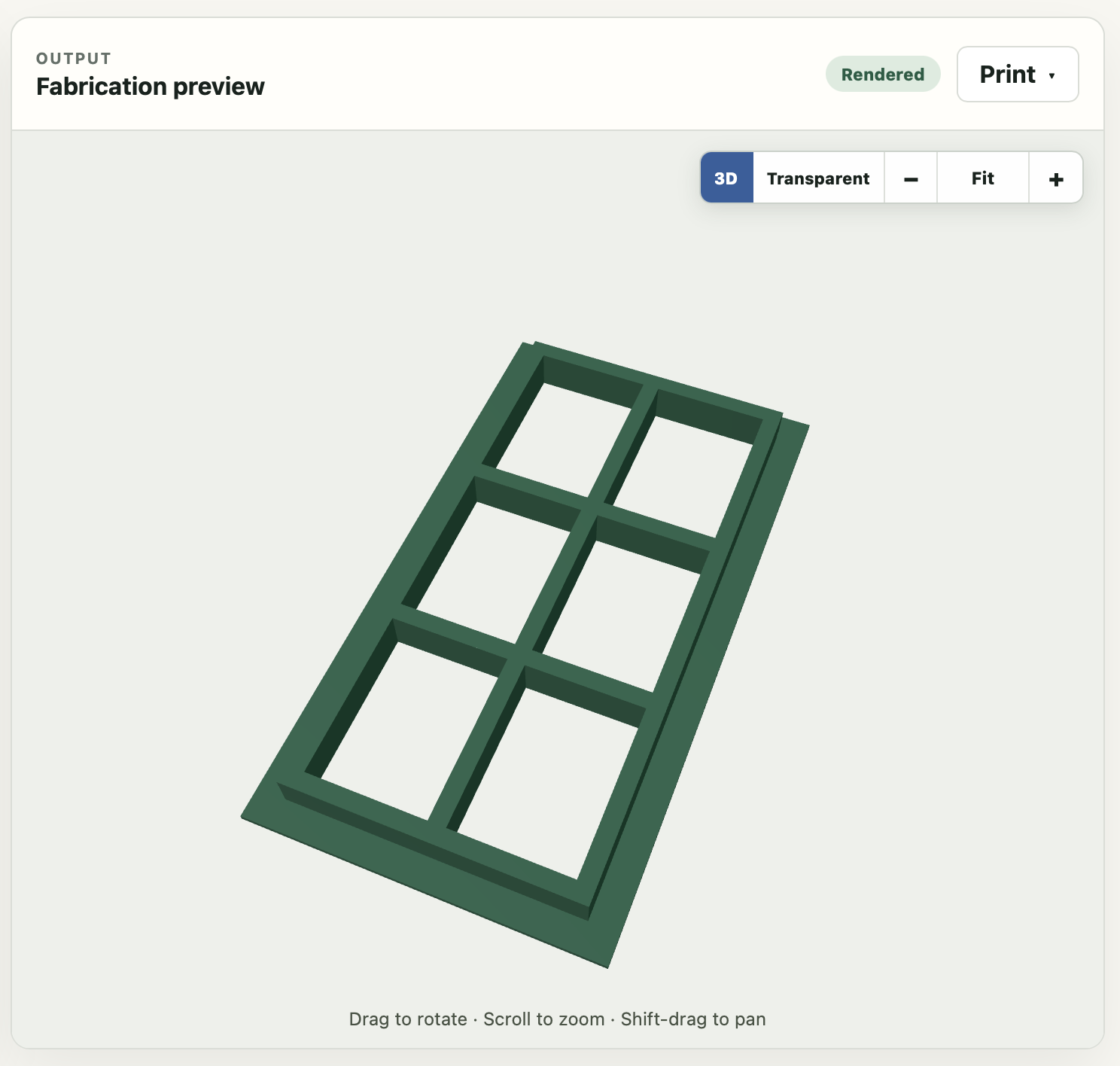
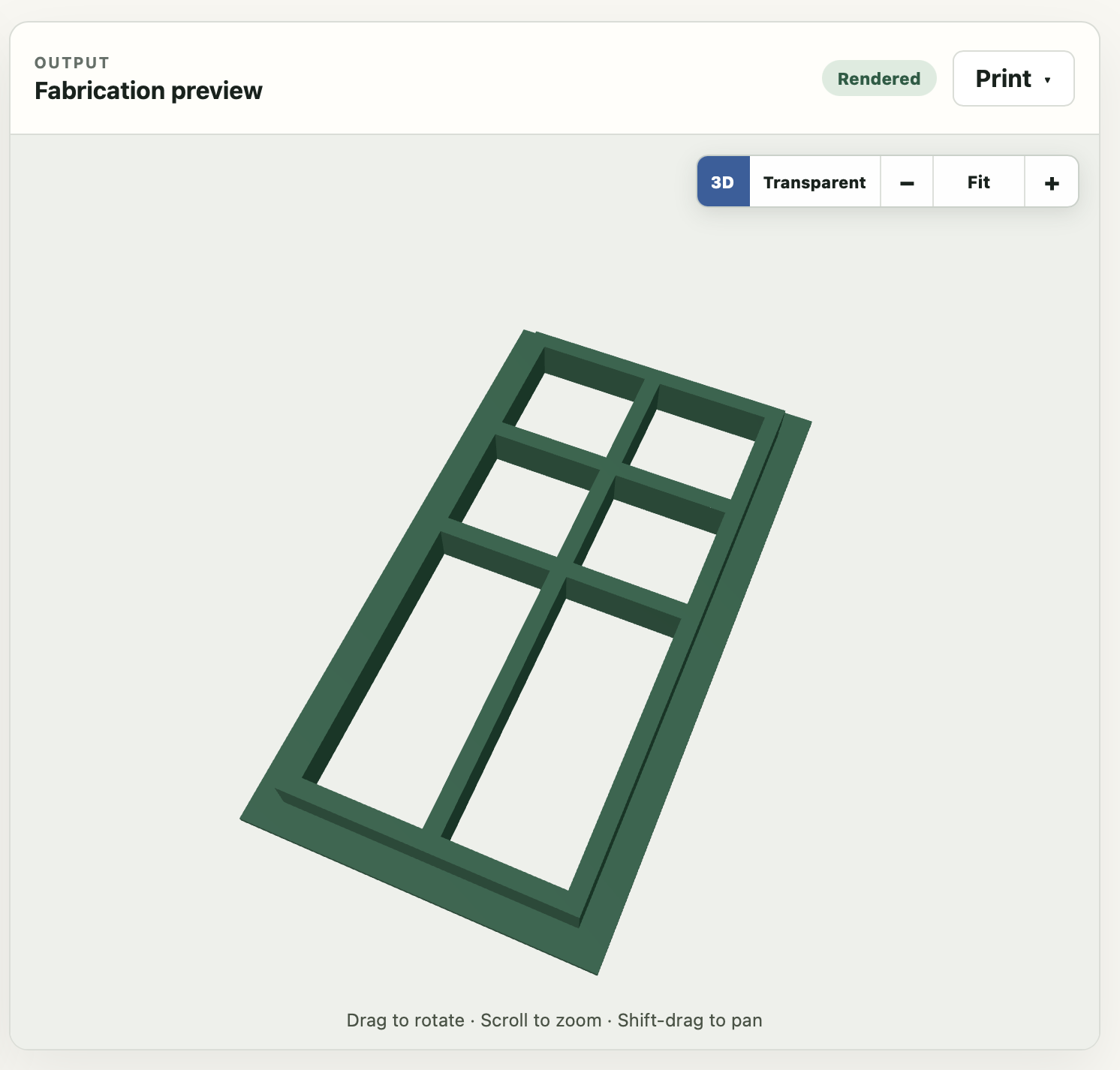
Here's the designs I've added:
You can change the dimensions of the window, the number of panes on the horizontal and vertical axis, the thickness when printed, and the "backing" which makes it easier to stick to your model (either from the front or the back, depending on the look you want).
In the future I'll probably add top weighted panes, and also a window with an arch on top.